Oh the weather outside is frightful, but the fire is so delightful. And since we've no place to go, let it snow, let it snow, let i snow virtual python turtle snowflakes across my Raspberry Pi screen!
Yes, it is that time of year when I break out my christmas jumper, put Frozen on repeat and start eating Lebkuchen by the bucketload. coincidentally, it is also Computer Science Week 8th December to 14th December 2014 and Code.org are asking everyone to take part in just one hour of code. They have created a website full of activities for any ability or interest and one really caught my eye. It is called 'Artist with Anna and Elsa from Frozen'!
I love making patterns with code, as you may remember from episode 27! There is a wonderful python module called turtle. In fact turtle has been around for a long time, and I fondly remember typing my first computer code into a BBC micro to make a turtle draw a square. Therefore I have a bit of a head start, and so the Anna and Elsa activity on code.org only took me a few minutes. As I like a challenge I thought I'd see just how far I could push myself with python turtle to create similar snowflakes.
I created a python program to draw snowflakes at random places in a window with random pen colour!
If you would like to learn how you can create snowflake shapes with code then check out my latest episode:
If you would like to take a look at my final code then you can clone if from my github page or just take a look here!
On Tuesday 29th October 2013, I put my on my finest frock, rallied the troops, and made my way to the House of Commons in London for the Talk Talk Digital Heroes Award Ceremony 2013.
Queen Anne Blend was my favourite, so much so I bought teabags on my way out!
First off, seeing as I was with friends and all dressed up, it seemed silly not to capitalise on the day by visiting Fortnum & Mason's Jubilee Tea Rooms in Picadilly and having Afternoon Tea. (Perhaps I've just been watching too much Downton Abbey?)
Getting nervous waiting outside the House of Lords
After eating ALL THE CAKES we made our way to the common outside the House of Lord's to meet all the other Digital Heroes from around the UK. They had travelled from all over to my city, which made me feel very guilty indeed. We had many photographs taken of us before we made our way through the most epic security I've ever encountered. Luckily our names were on the list, so we got in!
Team GGD: +Emma B (@embre) & +Alex Bradbury (@asbradbury) who have supported the project from it's early days and deserved a trip to the House of Commons too!
Very quickly we were whisked through various halls and chambers (which was a little sad as I really wanted to look at the old paintings and architecture, into the Churchill Rooms, where another afternoon tea, this time with Champagne, awaited us. My little party of three quickly became four, as we were joined by my local MP, Jon Cruddas (@JonCruddasMP) who kindly welcomed and entertained us as his guests.
Lots of hand shaking goes on when you are 'Dagenham's Daughter'
Talk quickly turned to the work that I have been doing in Dagenham at my school, and the work I've been doing on Geek Gurl Diaries. In the course of two hours, the three of us gave one MP: a lecture on the importance of teaching our children computing concepts; the success of my own students; and the possibilities that their futures can hold through being exposed to computer science. I'm not sure Jon was prepared for what he got, but I'm happy to report it resulted in him wanting to learn more, and organising a visit to my school to see my cs lessons in action.
Receiving my award from Martha Lane Fox (Co-founder of lastminute.com) , Lloyd Embley (Editor in chief The Mirror) and Talk Dido Harding (CEO Talk Talk)
The award ceremony got into full swing when Chi Onwurah MP (Shadow Minister Business, Innovation & Skills) and Ed Vaizey MP Under Secretary of State for Culture, Communications & Creative Industries gave keynote talks expressing their congratulations to us all for our achievements and for using technology to improve our communities. Then each digital hero was presented with a framed award by the panel of judges.
It was a truly wonderful day, and I hope to continue the discussions that were started with the other digital heroes in a google+ group so that we can help support each other over the next few years. I'm also excited to reply to my MP and invite him to look at what we are doing in Dagenham, and hopefully one day, the world!
Watching this video made me cry! Thanks to Dawn Hewitson (@DawnHewitson) Stemettes (@Stemettes) and +Alan O'Donohoe (@teknoteacher) for taking part and saying such nice things.
Are you the creative type? I know I am, but I've never really been the musical type. Learning a musical instrument always seemed terribly hard work. I take my hat off to anyone that can play more than a tambourine. I love music, doesn't everybody?
Imagine my excitement then when I was introduced to Sonic Pi by +Sam Aaron, an application for the Raspberry Pi that lets your program music!
What you will need:
A Raspberry Pi and peripherals (mouse, keyboard, SD card, monitor, that type of thing!)
some headphones or a mini speaker that will plug into the sound jack port on your Pi.
The latest version of NOOBS.
Your imagination!
You will find the Sonic Pi application on the main menu of the latest version of NOOBS, under 'Programming'. When you first run the software you will need to re size the window to fill the screen so you can see all parts of the interface.
To play a note in Sonic Pi type 'play' followed by a MIDI note number:
play 60
To add timings between the notes type 'sleep' followed by the amount of time. e.g. 1 for one second, 0.5 for half a second, and so on:
sleep 0.5
To repeat or loop a a sequence use:
3.times do play 60 sleep 0.5 end
To add new synths use:
with_synth "fm"
Learn Sonic Pi at School!
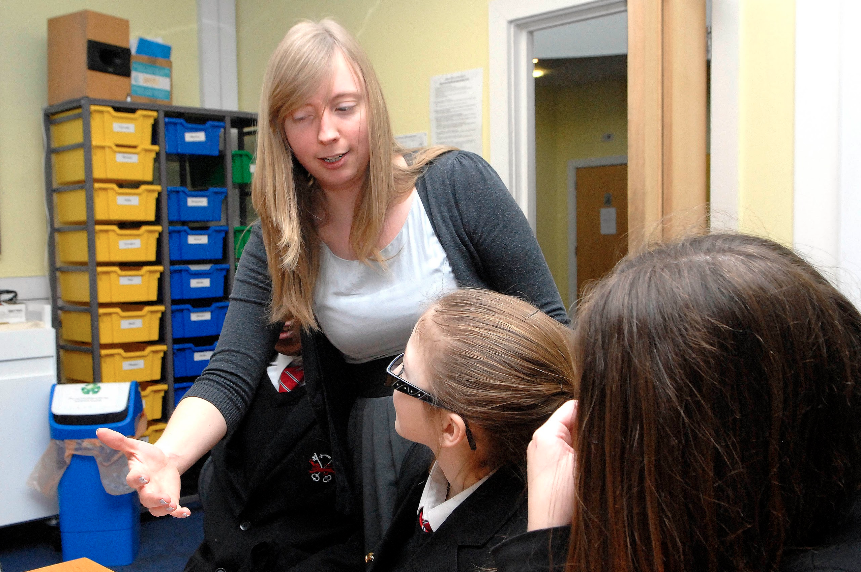
As you may know I am a high school/secondary school computing and ICT teacher, so together with Sam who created Sonic Pi, we wrote a scheme of work that can be taught in schools. Here is a post all about it by +Raspberry Pi with a picture of me teaching it in my school: